A practical guide for small firms
Sometimes choosing a CCTV setup feels a bit like stepping into a maze. Twisting paths, plenty of options, and no clear sign saying start here. This guide brings it back to basics. Short answers. Straight talk. A few hints from the field. All shaped for small businesses trying to keep people, property and peace of mind intact.
Where to begin
Before anything is bought or bolted to a wall, pause. Ask yourself what you actually want from a camera system. Are you hoping to review footage after an incident? Or do you want live monitoring tied into alarms so someone reacts the moment something looks off?
Once you know the purpose, the rest starts to fall into place. Coverage, camera style, storage and monitoring all hinge on that first decision.
Why small businesses use CCTV
Most small firms turn to CCTV for business protection for a mix of reasons. A recent look across the sector showed that nearly all SMEs now use some form of camera system. The usual motivations include:
- Reducing crime and antisocial behaviour
- Spotting intruders or early signs of fire when cameras are monitored
- Minimising theft
- Capturing evidence
- Supporting staff safety and creating a calmer customer experience
CCTV vs surveillance cameras
These terms get thrown around as if they are identical twins, but they are slightly different creatures. Surveillance usually refers to cameras watched in real time by trained staff, often at venues or larger commercial sites. CCTV is the broader umbrella.
Types of CCTV cameras
Gone are the grainy clips that looked like they were filmed through fog. Modern analogue and IP cameras now deliver HD footage, making it far easier to identify people and vehicles. A few common options include:
PTZ cameras
Pan, tilt and zoom. Someone usually operates these live, nudging the view as things unfold.
Dome or hemispheric cameras
Great for open spaces. A full 360 degree view without obvious blind spots.
Fixed bullet cameras
Perfect for long corridors or outdoor lines of sight where distance matters.
Night-time protection
Many cameras now include infrared or thermal capability. IR can pick out movement in near darkness. Thermal cameras detect heat signatures and can sometimes see through light smoke or bushes, which can make a big difference after hours.
How many cameras do you need
There is no magic number. It depends on risks, layout and how busy your site is. As a guide:
Shops
Entrances and exits, tills, customer areas, stock rooms and staff or customer parking bays.
Offices
Main doors, reception, storage rooms, any space with high value equipment and car parks.
Manufacturing and industrial sites
Entry points, production lines, loading areas, warehouses, plant zones and lorry parks.
Analogue vs IP systems
Analogue cameras run through cabling into a DVR. IP cameras send digital video through your network or Cloud storage. These days many businesses use a hybrid mix, keeping older cameras while adding new digital ones.
Are IP cameras the best choice
More often than not, yes. They deliver sharper footage and offer flexibility like remote zooming and wider fields of view.
What makes a CCTV system smart
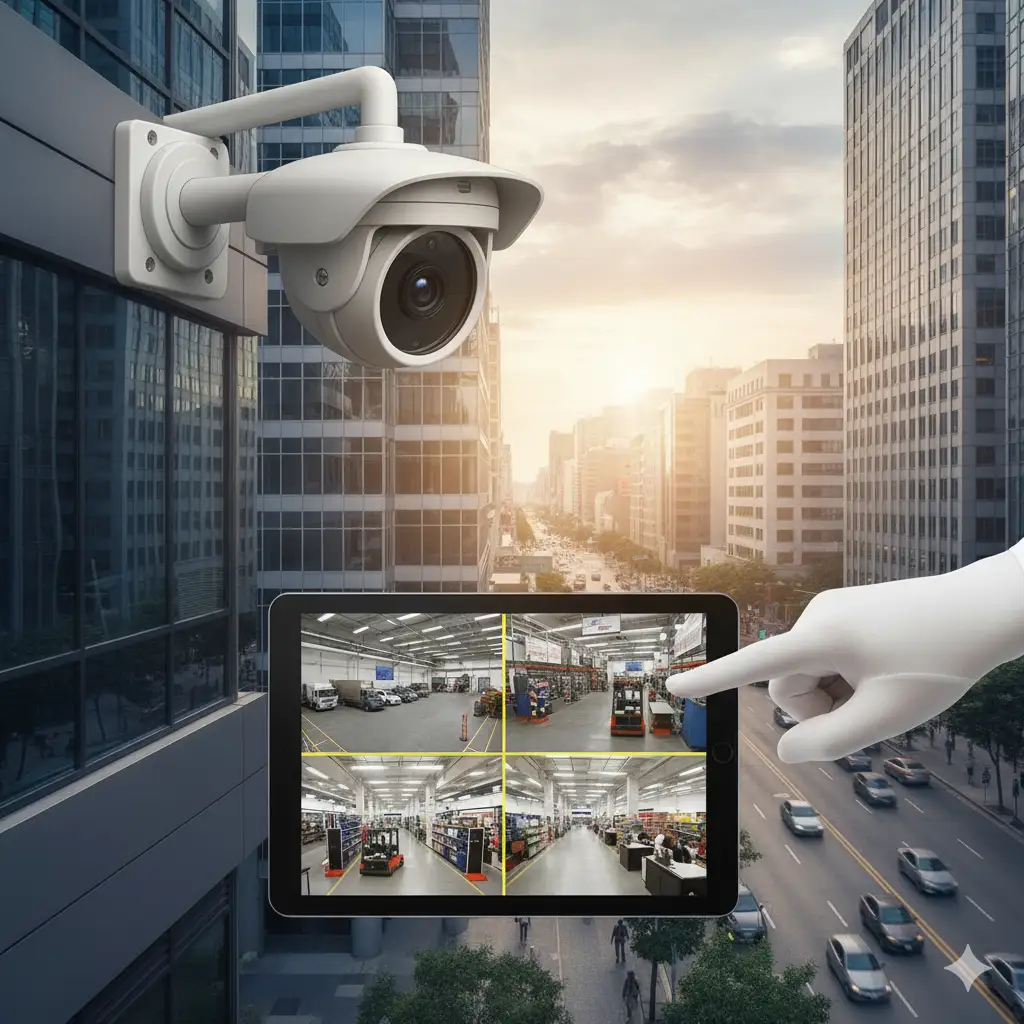
A smart CCTV setup lets you view live or recorded footage from anywhere using a mobile or browser. You may also receive alerts when motion is detected or certain triggers are met.
Do you have to use CCTV
Not always. It may be part of company policy, a duty of care, or a requirement from insurers. Worth checking before you decide.
Where cameras can be placed
You cannot install cameras in private areas like toilets or changing rooms unless there is a very exceptional reason. If cameras overlook shared spaces or neighbouring buildings, privacy masking might be needed.
Legal duties
Any CCTV for business must follow UK GDPR rules and your own company policies on privacy. It is a detailed area, so getting advice from a qualified installer like RJ Wilson can prevent a headache later.
Can you install CCTV yourself
Technically, yes. If you are confident with cabling, configuration and equipment. But insurers often need systems to meet the National Security Inspectorate code of practice. Professional install is usually the safer path.
Maintenance and servicing
Cameras and recorders need a yearly check to keep everything running smoothly. A trained engineer can spot issues long before they result in lost footage.
Are Wi-Fi cameras suitable
They can work in some situations, but Wi-Fi suffers from dropouts, interference and security limitations. Many businesses prefer wired systems for reliability.
Monitoring options
You can simply review footage after an event. That is common, but reactive. A stronger approach is remote monitoring, where trained staff watch your live feed and respond if something looks wrong. They can issue audio warnings or request a mobile patrol, depending on your setup.
Costs
Prices vary depending on camera type, number, storage and monitoring. Many small businesses assume CCTV is too costly, but spreading payments monthly keeps it manageable. When combined with analytics, the system can even offer insights into customer behaviour and busy periods.
In summary
CCTV for business security works best when it is purpose-led rather than kit-led. A proper assessment of risks, a site survey and a clear plan for monitoring and response all help shape a system that genuinely protects your operation and people.
RJ Wilson provides full support, from surveys and design through to installation, monitoring and maintenance, so you get a setup that fits your site and meets all legal and insurance standards. If you want something that simply works, start with a conversation.